Beam Mod Manager (BMM)🧡 0.9.7 update is live: Introducing Mod Health, combining Conflicts and Dependencies into one tool that will continue to grow!
Released November 17, 2026
With this update I wanted to unify some features into one place that I could expand on in future updates to Beam Mod Manager. Here's the first major step toward that.
New Mod Health page (Player and Supporter) - One place that checks your mods for problems: mods that won't load, active mods missing a dependency, and file conflicts, each in its own clearly marked section. Conflicts and Dependencies now live here, and more checks will be added to it over time. Conflicts are listed in Mod Health but no longer counted in the sidebar badge as they are usually harmless and I didn't want an alarming number there that really isn't warranted, so only the real issues show on the count.
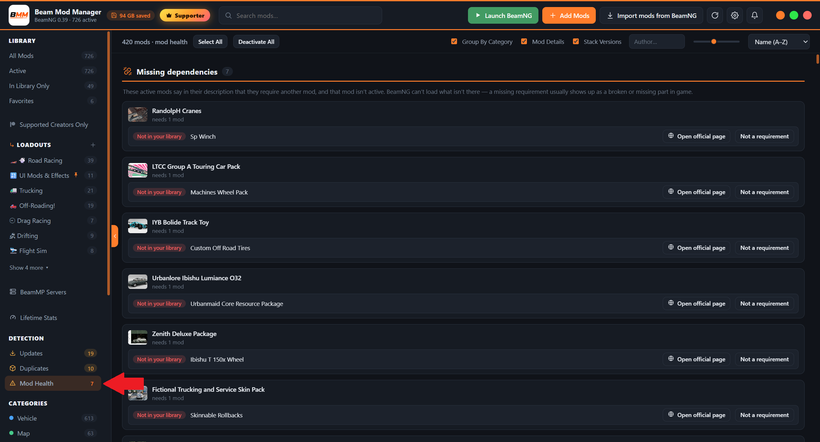
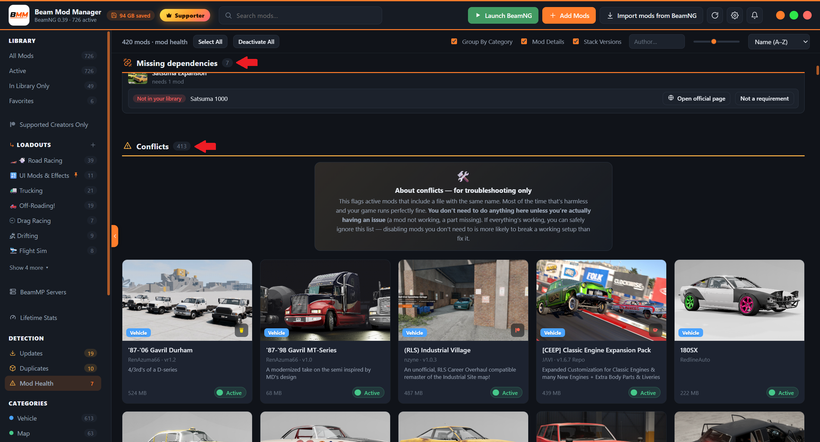
Broken downloads (empty zips) moved from Duplicates to Mod Health and will above the Conflicts and Dependencies sections. It will only show if there is a 0B file detected.
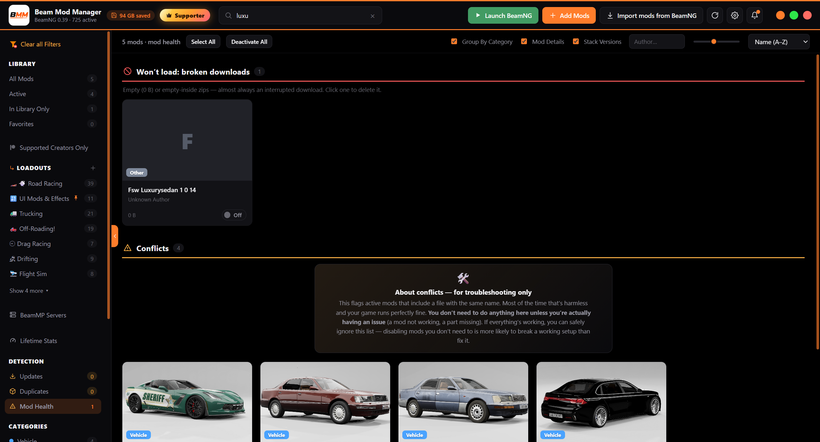
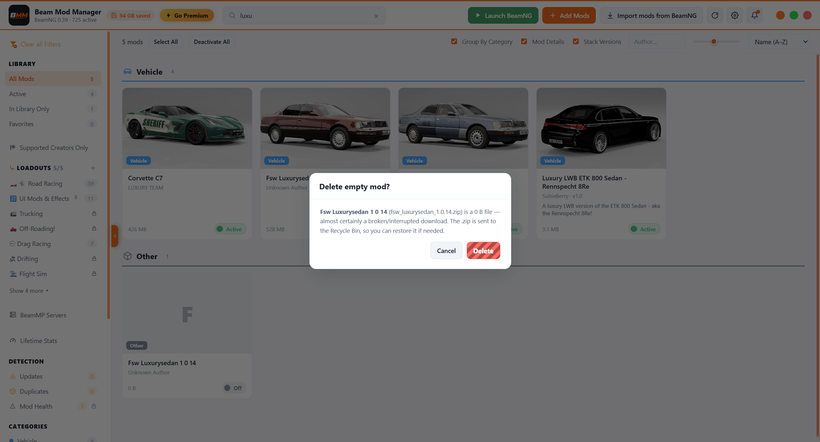
Free BMM users still see how many there are and can delete an empty (0 B) mod from the main library view simply by clicking it.
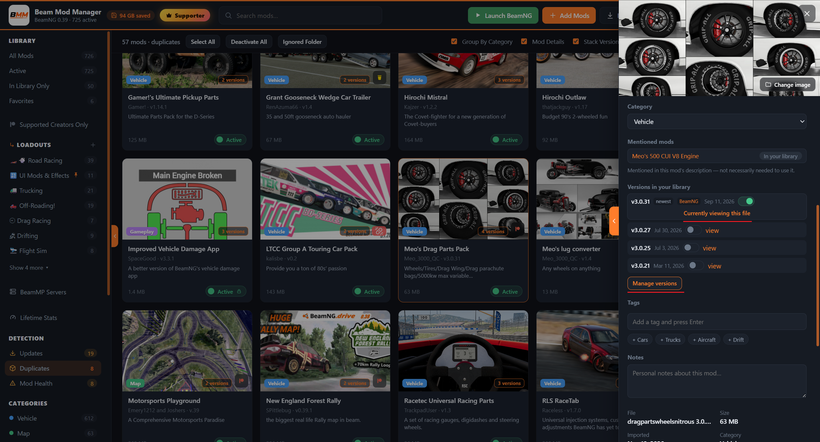
A few smaller things came along with it: a mod with several versions in your library now has a Manage versions button in its details, which takes you straight to Duplicates → Multiple versions, and the open build is labelled "Currently viewing this file".
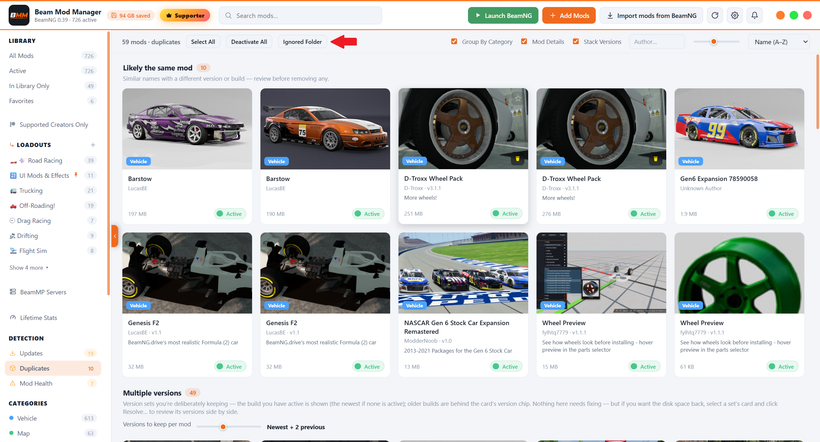
Duplicates has an Ignored Folder button once you've removed a mod but kept its .zip, so you can find those files in one click.
And each mod in a Loadout's full view now has an X to remove it from that load-out without opening the editor - it asks you to confirm first, and so does the X in the Loadout details list.

Updating: on 0.8.8 or newer, just hit Settings → Check for updates (or the update pill in the top bar). Or:
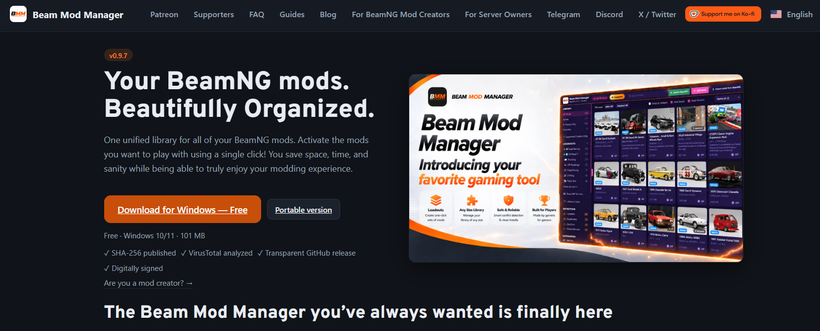
Download here: BeamModManager.com
(Portable version available also)
Cheers!
NickTheGrizzly 🧡
Save time and space so you can play more BeamNG.