Get credited and supported for your BeamNG mods
Beam Mod Manager (BMM) is a free Windows mod manager for BeamNG.drive. It shows a support button on the mods players already have in their library — here’s how to make sure it points at you, for free.
How it works in three steps
- Add a bmm.json file with your support link to the root of your mod’s zip.
- Release your mod the way you always do — on the repository, Patreon, Discord or your own site.
- Players who install that release with BMM 0.8.17 or newer see a support button on your mod, right in their library.
Why it’s worth it for you
Players who use Beam Mod Manager see a Support the creator button on your mods, right in their library — from our curated creator list or from your own bmm.json. Support links only ever open on Patreon, Ko-fi, Buy Me a Coffee, Gumroad or Boosty.
- A support button on your mods, right where players manage them.
- Free, with no account or sign-up — one small text file does it.
- Safe for your players: links only open on Patreon, Ko-fi, Buy Me a Coffee, Gumroad or Boosty.
- Shareable loadouts, so viewers can rebuild the exact setup from your video.
If you publish on the official BeamNG repository, BMM often finds you automatically — a support link on your resource page comes through with the mod.
If you distribute anywhere else — Patreon, Discord, your own site — BMM has no way to know a mod is yours. The creator marker fixes that: one small file inside your zip, and from your next release onward, every player on BMM 0.8.17 or newer who installs that build sees your support link — automatically. It can't retro-fit copies people downloaded before you added the file.
The template
Save this as bmm.json at the root of your mod's zip — next to your mod's top-level folders, not inside one:
{
  "bmm": 1,
  "user_id": 369484,
  "support": "https://www.patreon.com/YourName"
}
Use your BeamNG forum user id — the number in your forum profile URL, e.g. /members/yourname.369484/ — and/or your support link. A support link works on its own; a user id alone shows the button only once BMM's curated creator listings include you.
The rules
- The bmm field is required, and must be exactly the number 1.
- user_id is your numeric BeamNG forum id (1–10 digits). If BMM's curated creator listings already include you, this lights up your whole catalog — and the curated link always takes precedence over the one in this file.
- support is an https link on one of exactly five platforms: Patreon, Ko-fi, Buy Me a Coffee, Gumroad, or Boosty. Links on any other domain are ignored — BMM never opens anything outside those five.
- Save the file as UTF-8. In Notepad: Save As → Encoding, UTF-8. UTF-16 (“Unicode”) encoding will not be read.
- Malformed or oversized files (over 16 KB) are simply ignored — they never break your mod.
- Unknown extra fields are ignored too, so this format can grow later without breaking older BMM versions.
Questions creators ask
Why should I trust this? Is it safe for my users?
Does this work for repository mods too?
Do my users need to do anything?
Does it cost anything for creators?
Does Beam Mod Manager re-upload or redistribute my mods?
I'm listed wrong, or want my link changed — what do I do?
Share your setup with your viewers
- In Beam Mod Manager, open Loadouts, pick the loadout from your video and choose Export. You get a small .bmmloadout file — share it in your description, Discord or Patreon.
- When a viewer imports it, every mod they already have in the same version joins the loadout straight away.
- Mods they don’t have yet appear greyed out, with a link to that mod’s official page when it has one on the BeamNG repository — so they download it from the source, not from a re-upload. Once they add that same version, it joins the loadout on its own.
The file holds the list of mods, not the mods themselves — nothing is redistributed.
Make a cover for it
Give your loadout a recognisable cover. Download the template, keep your car and title inside the safe area, then set it as the loadout’s cover in BMM.
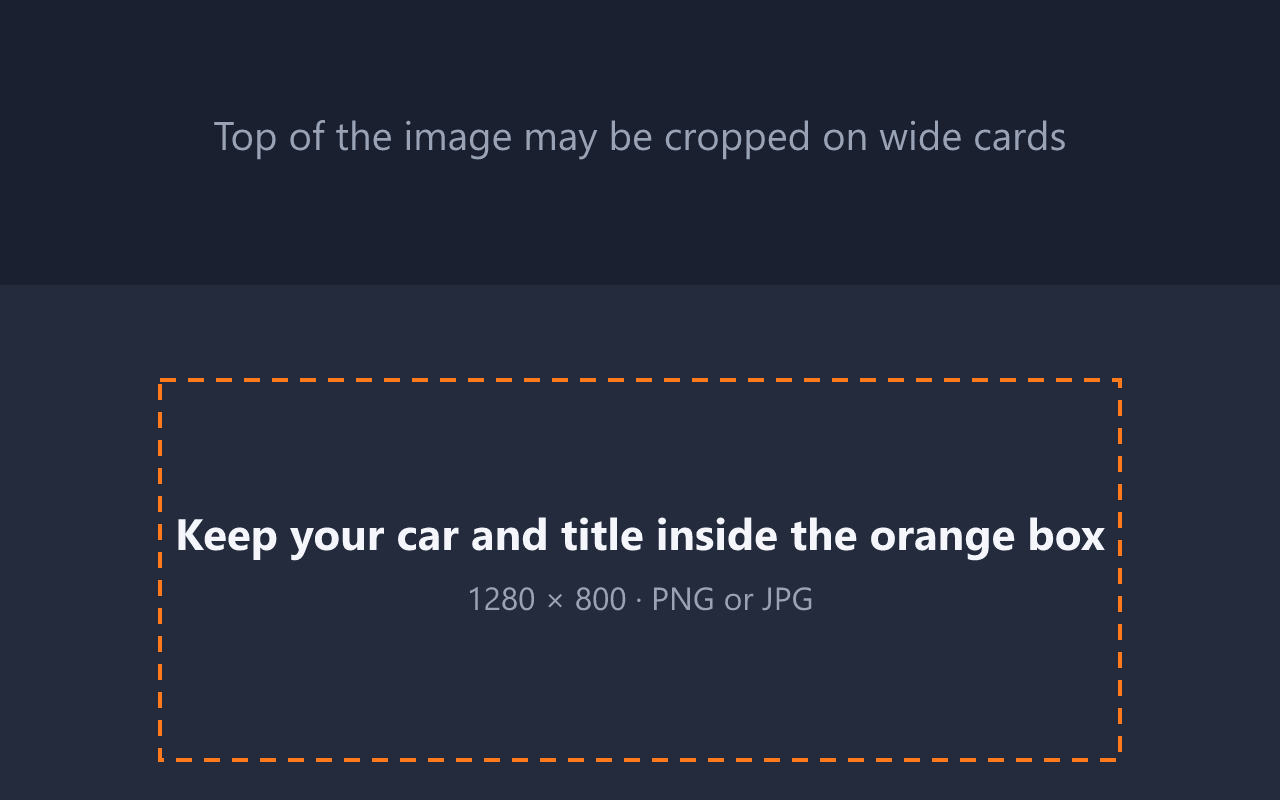
Download the cover template (PNG) SVG
See your mods the way players do
Add bmm.json to your next release, then download BMM to check your support button for yourself.
Download